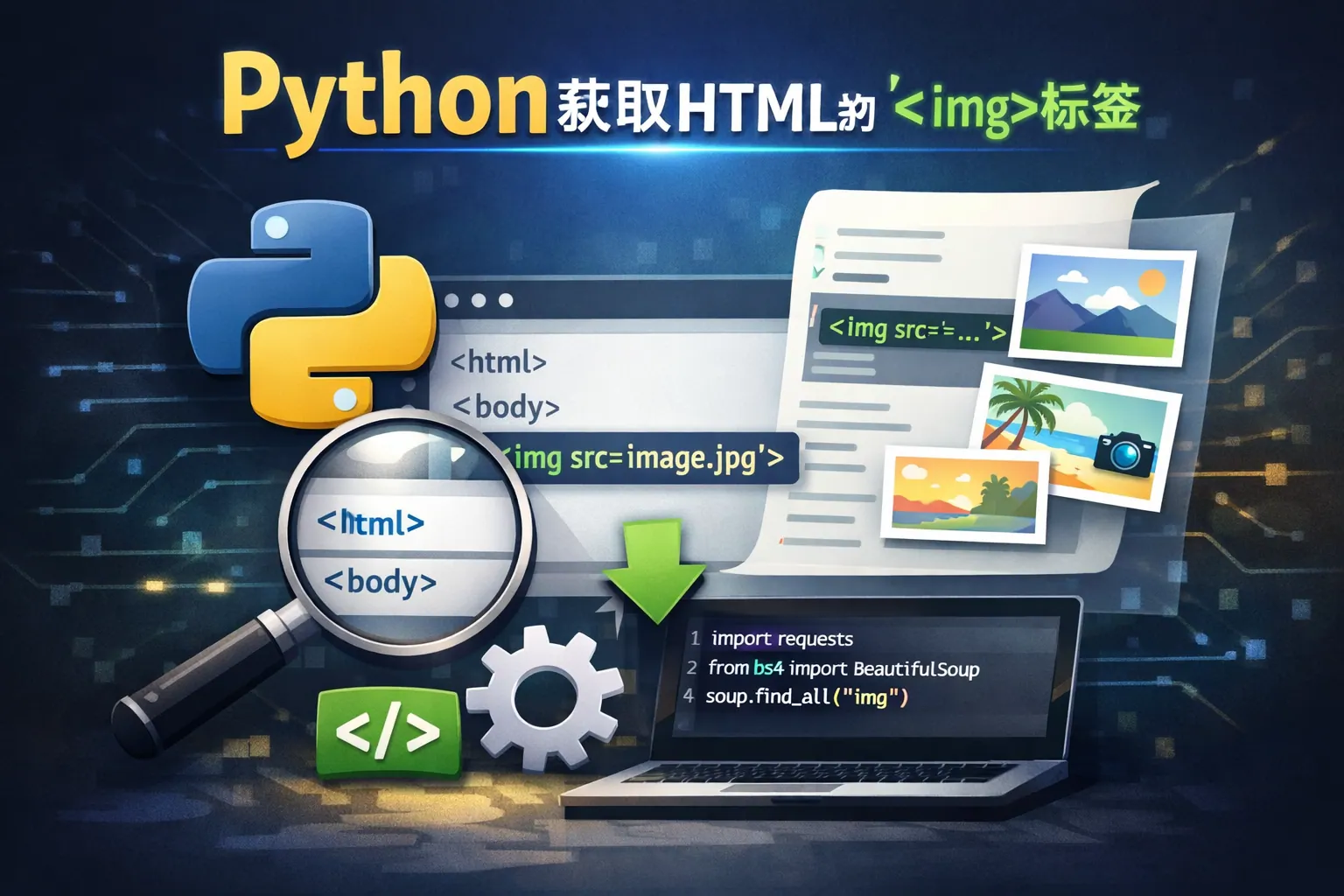
python获取html的img标签
常见问答
如何使用Python提取HTML中的所有图片链接?
我想从网页的HTML代码中获取所有<img>标签的图片链接,应使用什么方法或库?
使用BeautifulSoup提取图片链接
可以使用Python的BeautifulSoup库解析HTML内容,提取所有标签中的src属性值,从而获取图片链接。示例代码如下:
from bs4 import BeautifulSoup

html = '''<html><body><img src="image1.jpg" /><img src="image2.png" /></body></html>'''
soup = BeautifulSoup(html, 'html.parser')
imgs = soup.find_all('img')
img_urls = [img.get('src') for img in imgs]
print(img_urls)  # 输出:['image1.jpg', 'image2.png']
Python中如何处理网页中<img>标签的相对路径问题?
获取到的<img>标签src属性有时是相对路径,如何转换成绝对路径?
结合urllib库转换相对路径为绝对路径
当标签中的src是相对路径时,需结合网页的基础URL将其转换成绝对路径。可以使用Python的urllib.parse模块的urljoin函数,例如:
from urllib.parse import urljoin

base_url = 'https://example.com/path/'
relative_path = 'images/pic.jpg'
absolute_url = urljoin(base_url, relative_path)
print(absolute_url)  # 输出:https://example.com/path/images/pic.jpg
有哪些Python库适合解析HTML中的图片标签?
除了BeautifulSoup,还有其他哪些工具可以用来获取HTML中的<img>标签?
常用的Python HTML解析库推荐
除了BeautifulSoup外,Python中还有lxml库,它性能较快且支持XPath表达式,可以方便地定位标签。示例代码:
from lxml import html

html_content = "<html><body><img src='pic.jpg'/></body></html>"
tree = html.fromstring(html_content)
img_srcs = tree.xpath('//img/@src')
print(img_srcs)  # 输出:['pic.jpg']
此外,正则表达式也能简单匹配图片标签,但不建议用于复杂或不规范的HTML。
* 文章含AI生成内容