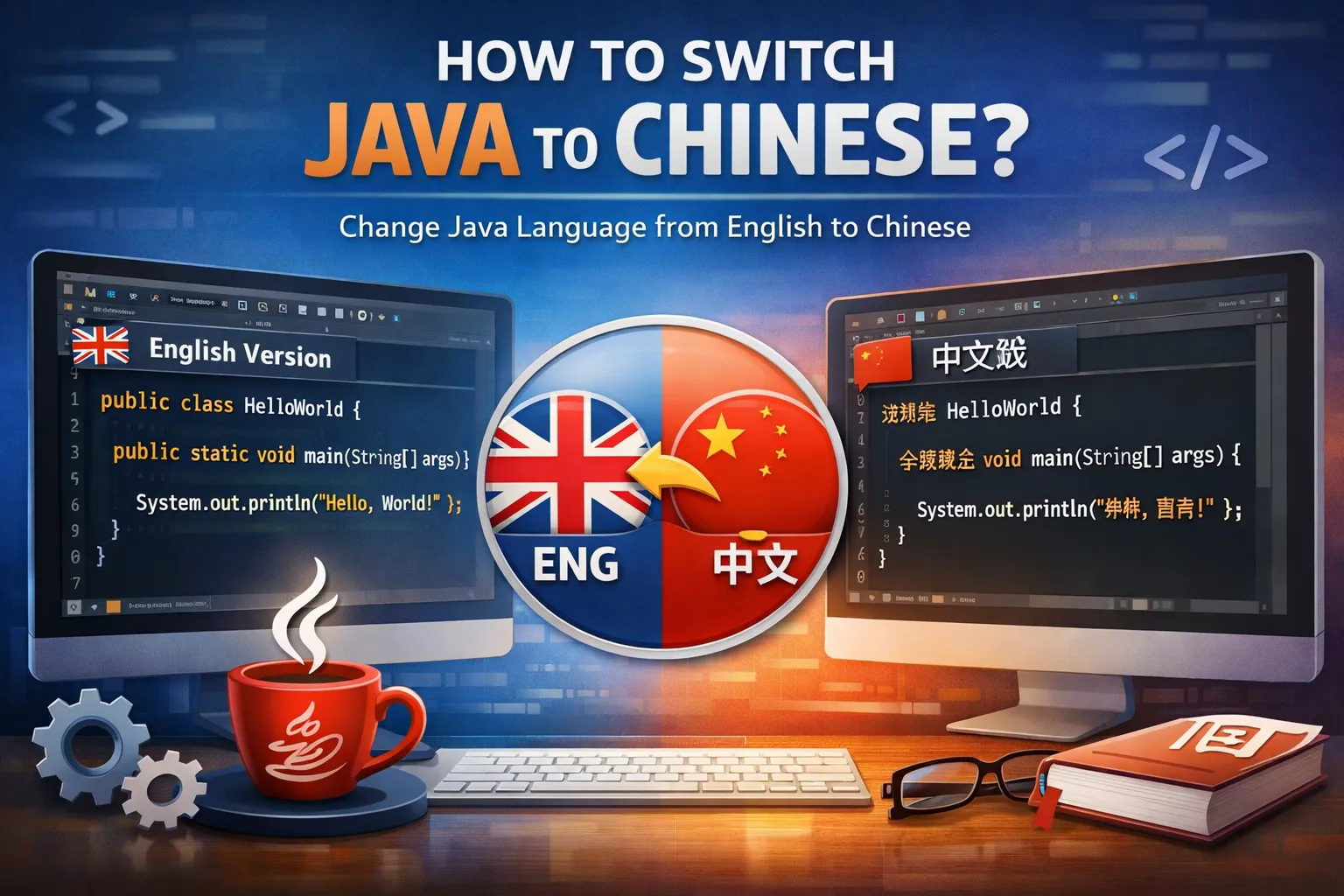
java英文版如何切换中文
I have the English version of Java installed. What steps do I need to follow to switch the interface or messages to Chinese?
Switching Java Language to Chinese
To change Java's language to Chinese, you need to set the appropriate locale. This can usually be done by adding language parameters when running Java applications, such as using the JVM argument '-Duser.language=zh -Duser.region=CN'. Additionally, some Java-based tools or IDEs allow you to change the language settings within their preferences.
If I switch the Java language settings to Chinese, will it have any impact on how my current Java programs run or their outputs?
Impact of Changing Java Language on Programs
Changing the Java language settings mainly affects locale-dependent outputs, like messages, date formats, and error messages. Your program's logic remains unaffected. However, if your program explicitly relies on locale settings, some behaviors related to formatting or resource bundles could change accordingly when switching to Chinese.
Is there an easier way or specific software tools to switch the Java interface or environment language to Chinese without manual configuration?
Using Tools to Switch Java Language
Some Integrated Development Environments (IDEs) like Eclipse or IntelliJ IDEA allow changing the UI language through plugins or settings which might include Chinese language packs. For the Java runtime, language is mostly controlled via localization settings or resource files. Installing a Chinese language pack or changing locale parameters is the most common approach.